예시 책 「몽글이의 빨간 공」
집에 그림책이 없어도 말문을 바로 써 볼 수 있는 여섯 쪽짜리 예시 책입니다. 말문 마스코트 몽글이로 직접 만들었습니다.
써 보는 방법
- 이 폰에서 아래 zip 묶음을 받아 「내 파일」에서 압축을 풀거나, 쪽 사진을 하나씩 길게 눌러 저장합니다.
- 말문 › 부모 화면 › 앨범에서 쪽 사진 고르기 › 표지(0)부터 5까지 차례로 고릅니다.
- 책이 만들어지면 아이 화면으로 › 표지를 누르고, 쪽을 넘기거나 따라 하기를 누릅니다.
- 부모 화면으로 돌아오려면 오른쪽 위 자물쇠를 3초 길게 누릅니다.
다른 화면에 띄워 두고 책 스캔하기나 카메라로 한 쪽씩 찍기로 찍어도 됩니다.
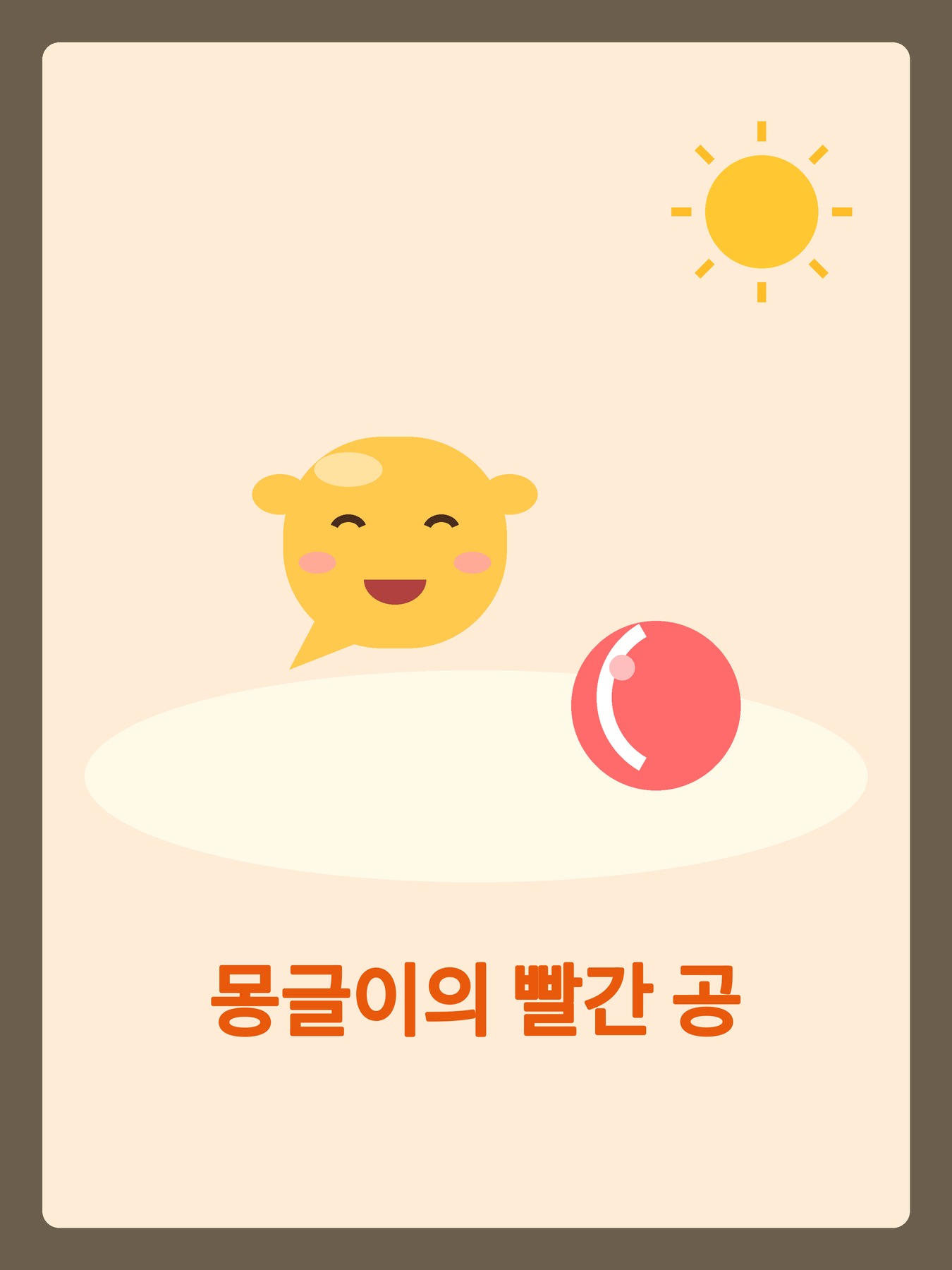 0 · 표지
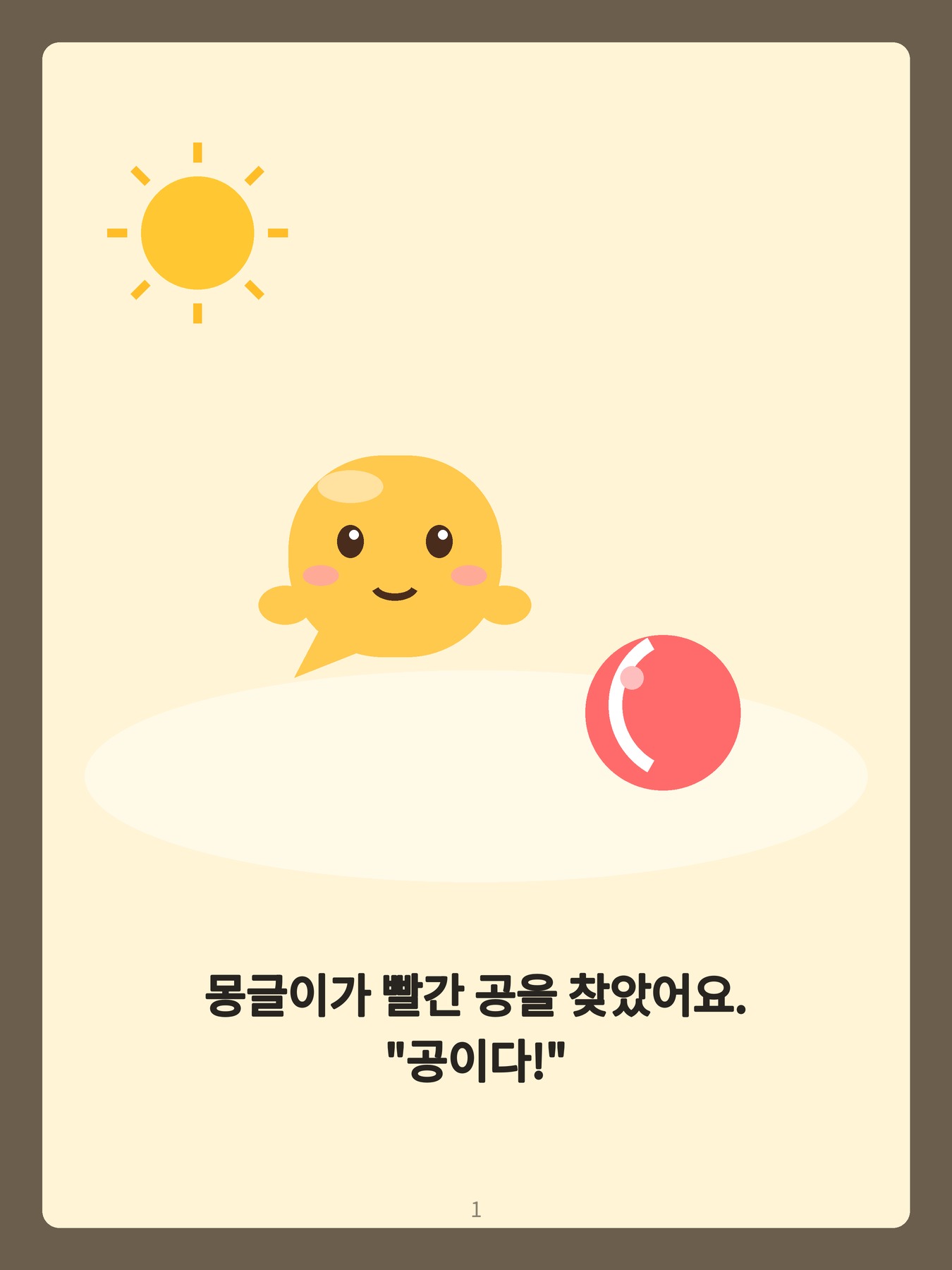 1 · 몽글이가 빨간 공을 찾았어요.
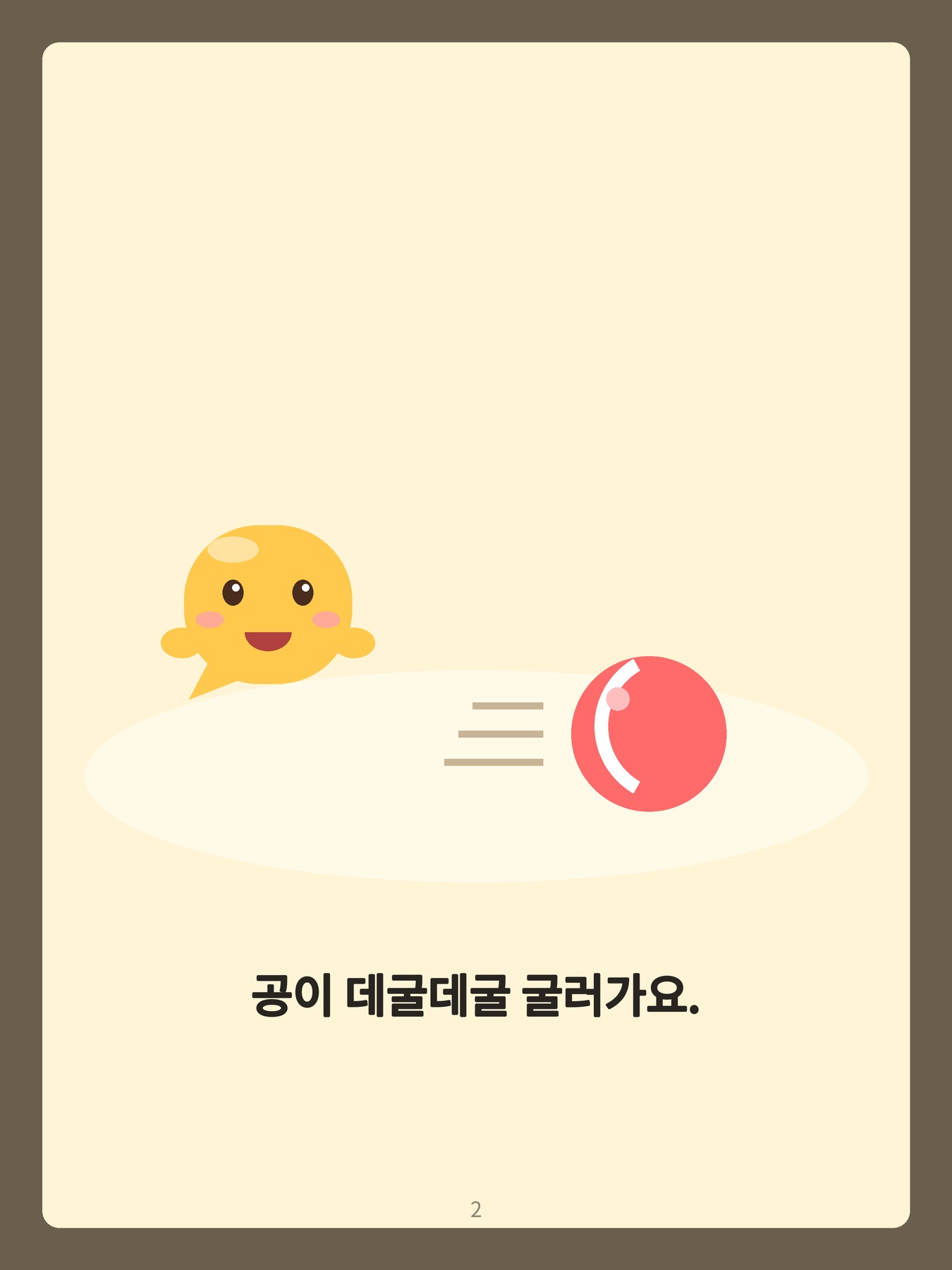 2 · 공이 데굴데굴 굴러가요.
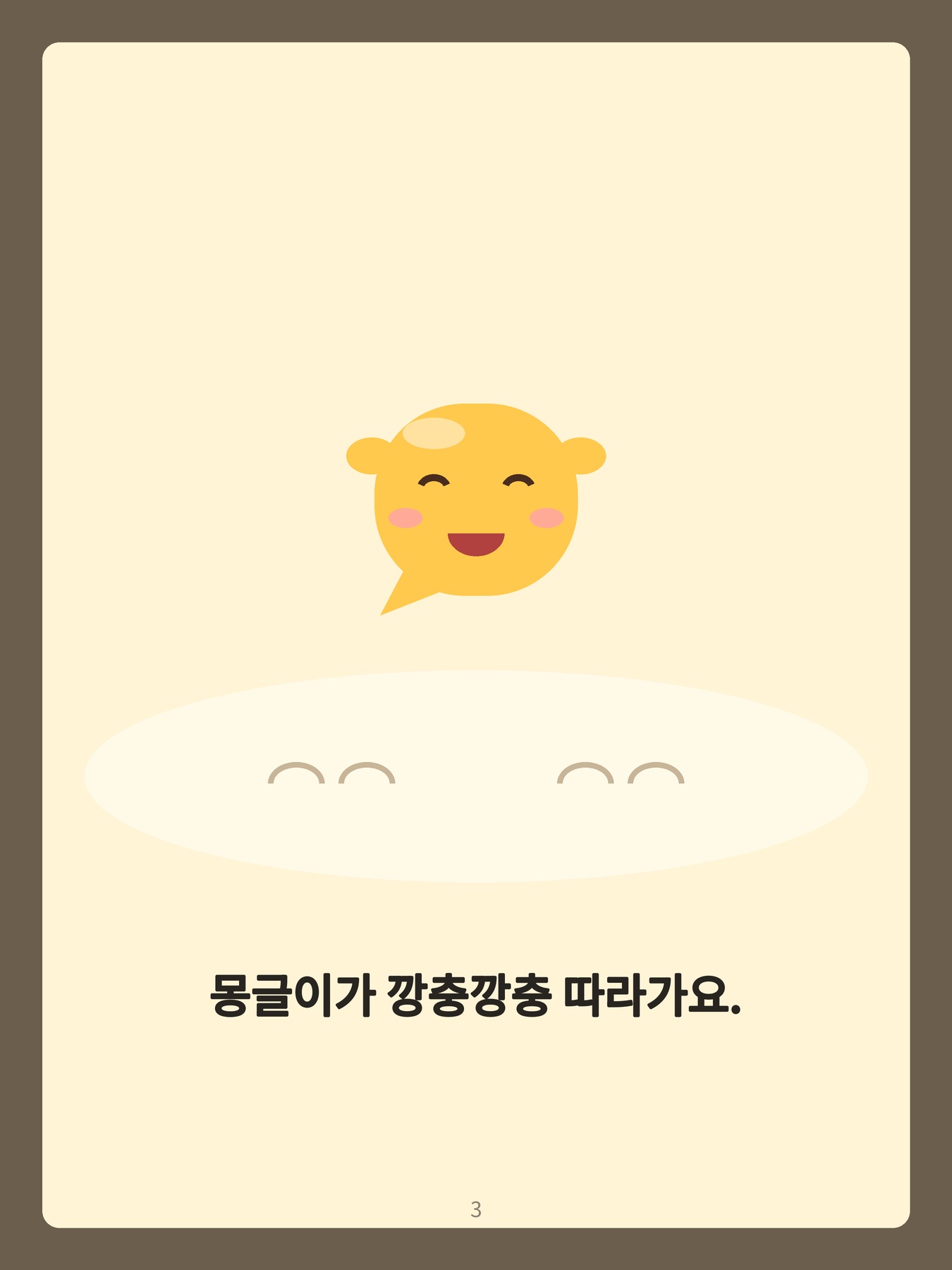 3 · 몽글이가 깡충깡충 따라가요.
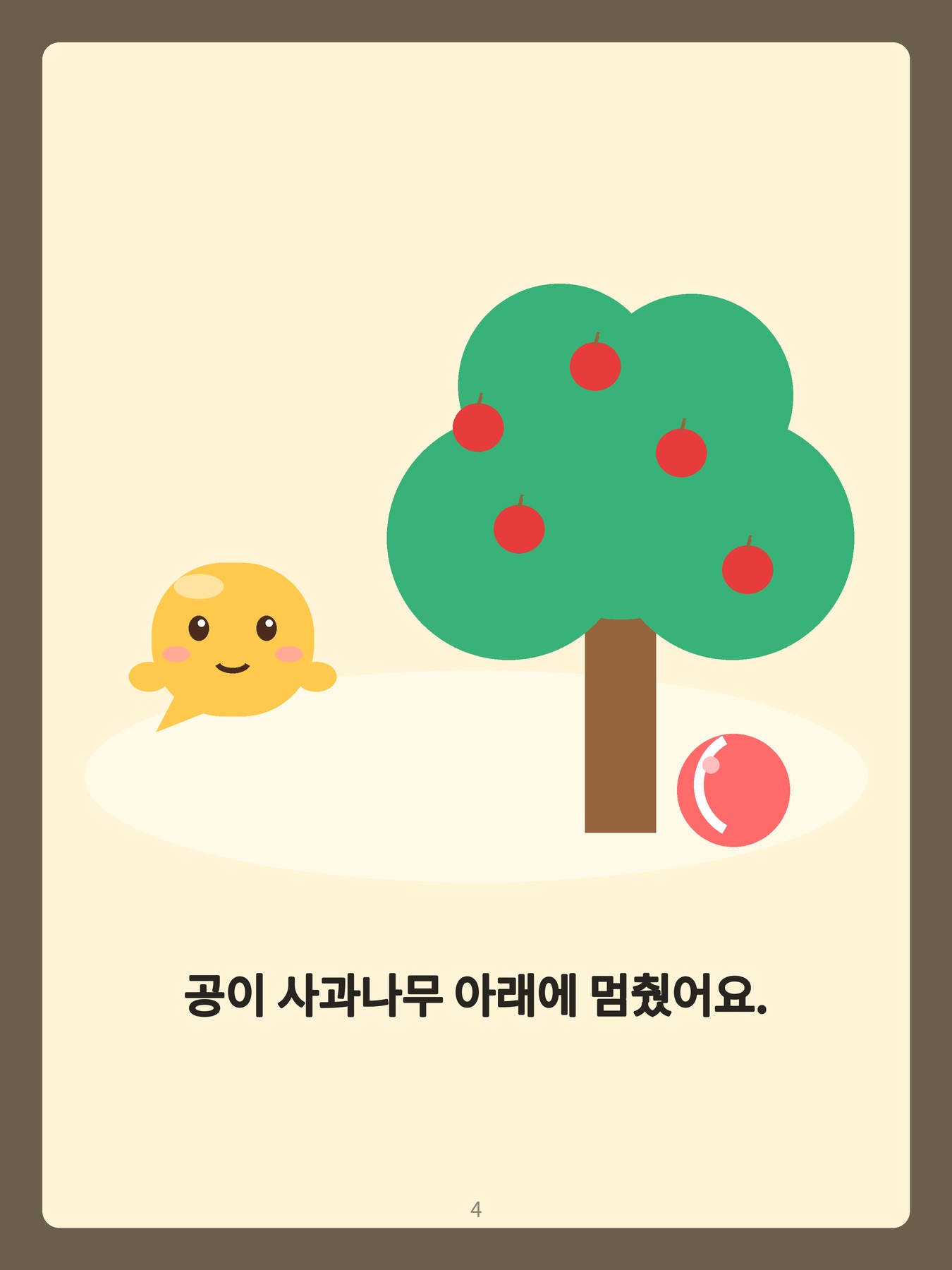 4 · 공이 사과나무 아래에 멈췄어요.
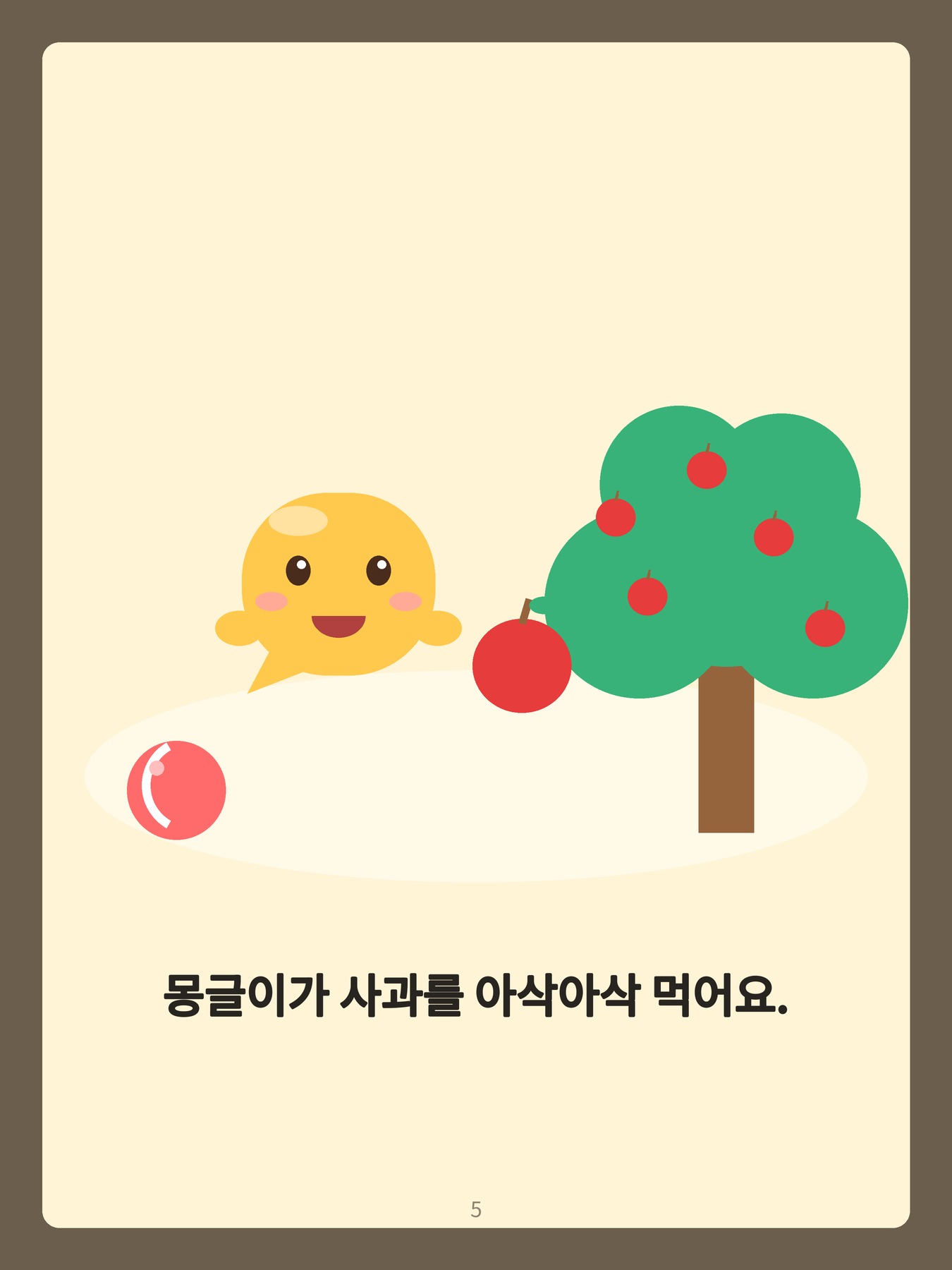 5 · 몽글이가 사과를 아삭아삭 먹어요.
For app reviewers
Malmun has no account, login, server or in-app purchase. All features work offline once installed.
- On the test device, download mongle-ball.zip and extract it, or long-press each page image above and save it.
- Open Malmun. On the first screen tap 마이크 허락하기 (allow microphone), then 첫 책 만들러 가기 (go make the first book).
- In the parent screen tap 앨범에서 쪽 사진 고르기 (pick page photos) and select pages 0 to 5 in order. The app reads the Korean text on the device and creates the book.
- Tap 아이 화면으로 (child screen) and open the book. It reads each page aloud and highlights the word being read. Tap 따라 하기 (repeat after me): the app says a word, waits, and praises any sound the child makes. Pronunciation is not judged.
- To return to the parent screen, press and hold the lock button at the top right for 3 seconds.
The document scanner (책 스캔하기) is provided by Google Play services. You can also display these pages on another screen and scan them.